A quick public service announcement to artists… If you’ve recently tried to upload a Photo post on mobile, Tumblr has probably formatted it as a Text post. You probably don’t even realize it.
Why is this no good?
Text post pictures can’t be enlarged. Your masterpiece will stay little until you delete and repost as a Photo.
Text and Photo look different on many most themes.
When folks filter by Photo, guess what they’ll find? Dunno, but not you.
Which brings us to a new, separate, but interesting bug… The desktop occasionally rejects JPG files. Try resaving as a PNG first.
Express yourself the way you want, using as much stuff as you want, any which way you want!
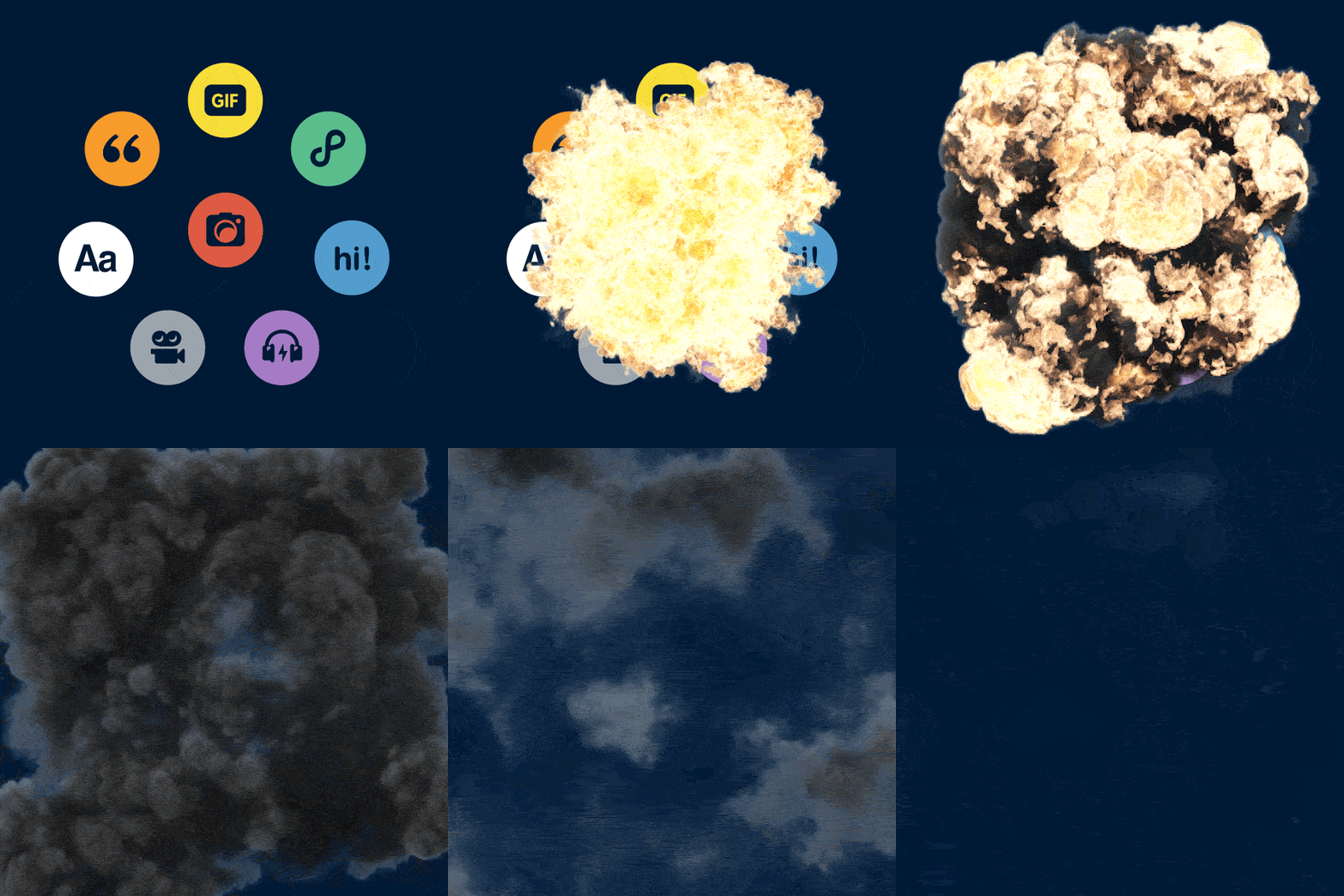
You’ve probably noticed some changes we’ve been making to the way you post on iOS and Android.
It used to be that a post could only be one thing. Maybe it was a photo post or a video post or a quote. But no matter how much a photo post also wanted to be a chat, or a chat wanted to be a song, a post could never be more than it was born to be.
That’s all changed!
Now a post can be anything you want it to be (or whatever it was meant to be).
Tap the pencil to start a new post
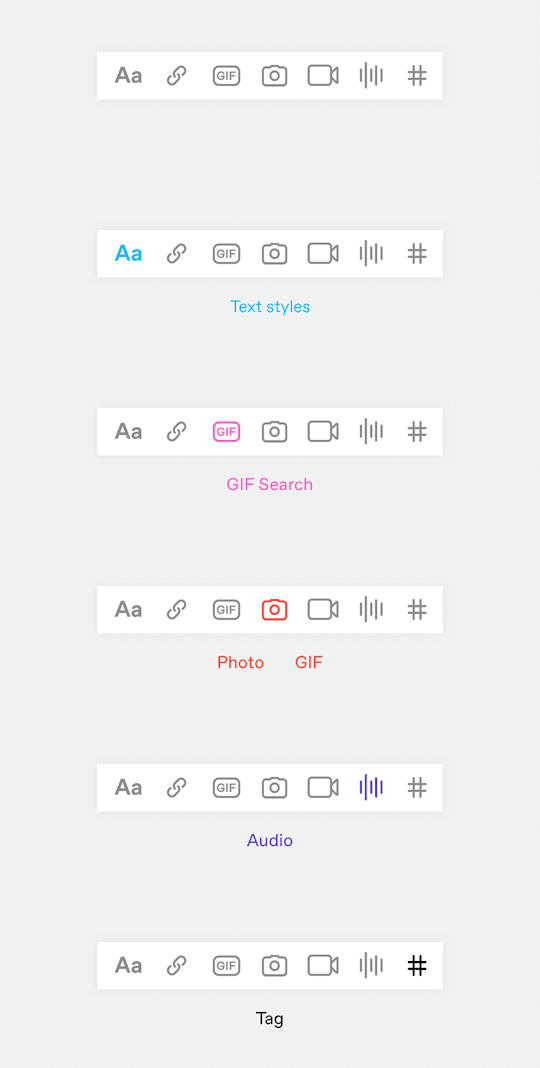
Add anything you want from the toolbar
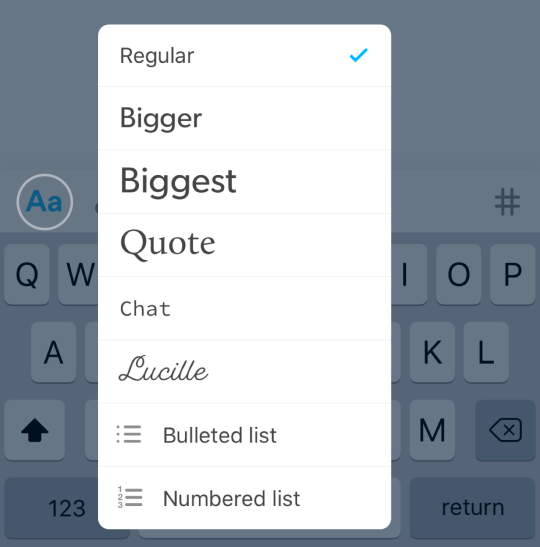
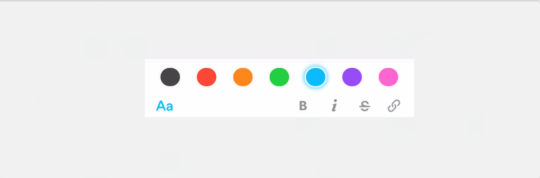
Text styles are under the Aa
Highlighting text brings up the color changer
This is posting the way it should be: Free from formats and constraints so you can express yourself the way you’ve always wanted needed to.
(Coming soon to the web!)
so you’re saying you just screwed over mobile users by no longer allowing them to post photosets, quotes, chats, etc, and by default everything is made into a text post, which means the /archive will no longer work to when it comes to separating text posts, photo posts, etc, AND you’re planning on bringing this crappy this to DESKTOP TOO???? which means all the beautiful photosets and gifsets that people have made for years will no longer be able to be made??? hard pass, we hate this
it looks like you’ll still be able to make photosets – theres functionality for that on mobile right now even with the update, it just doesnt transfer to desktop because we dont have the update yet
@staff confirmed to be made up of literally gibbering primates
Just to let people know, Tumblr is deleting porn bots. Which means as they do this, other accounts end up unfollowing blogs – without actually clicking the unfollow themselves- so, just make sure you’re still following your favourite blogs because, for some reason, I’ve unfollowed ten accounts without me doing that myself!
General settings > privacy > better recommendations (uses your search history to show you more posts)
On desktop Tumblr, the option was Settings > Privacy > Improved Search (uses search history to customize recommendations)
There was also an option to log into my “Privacy Dashboard,” which is apparently a place to see and manage how Oath (Tumblr’s parent company) uses your data to “improve and personalize your experience”:
The Tumblr Privacy Settings link on the Privacy Dashboard takes you to the normal Settings > Privacy page on tumblr, but the “Account Data” page you log into gives you the ability to “see your activity and data for each product you use on your account” (I just had a line of text that said “No data available to show for this account”), another link to the normal Tumblr Privacy Settings page, and a “Download Your Data” option.
If you haven’t already, I’d suggest logging into desktop Tumblr and checking this out. However, I didn’t see any options about clearing my data on the Privacy Dashboard > Account Data page.
@staff instead of forcing “safe-mode” back onto people who fucking disabled it (thanks for blocking a video of a car, by the way, so dangerous!), how about you force nazis and pedophiles off your website





 Crowfanity's Tumblr